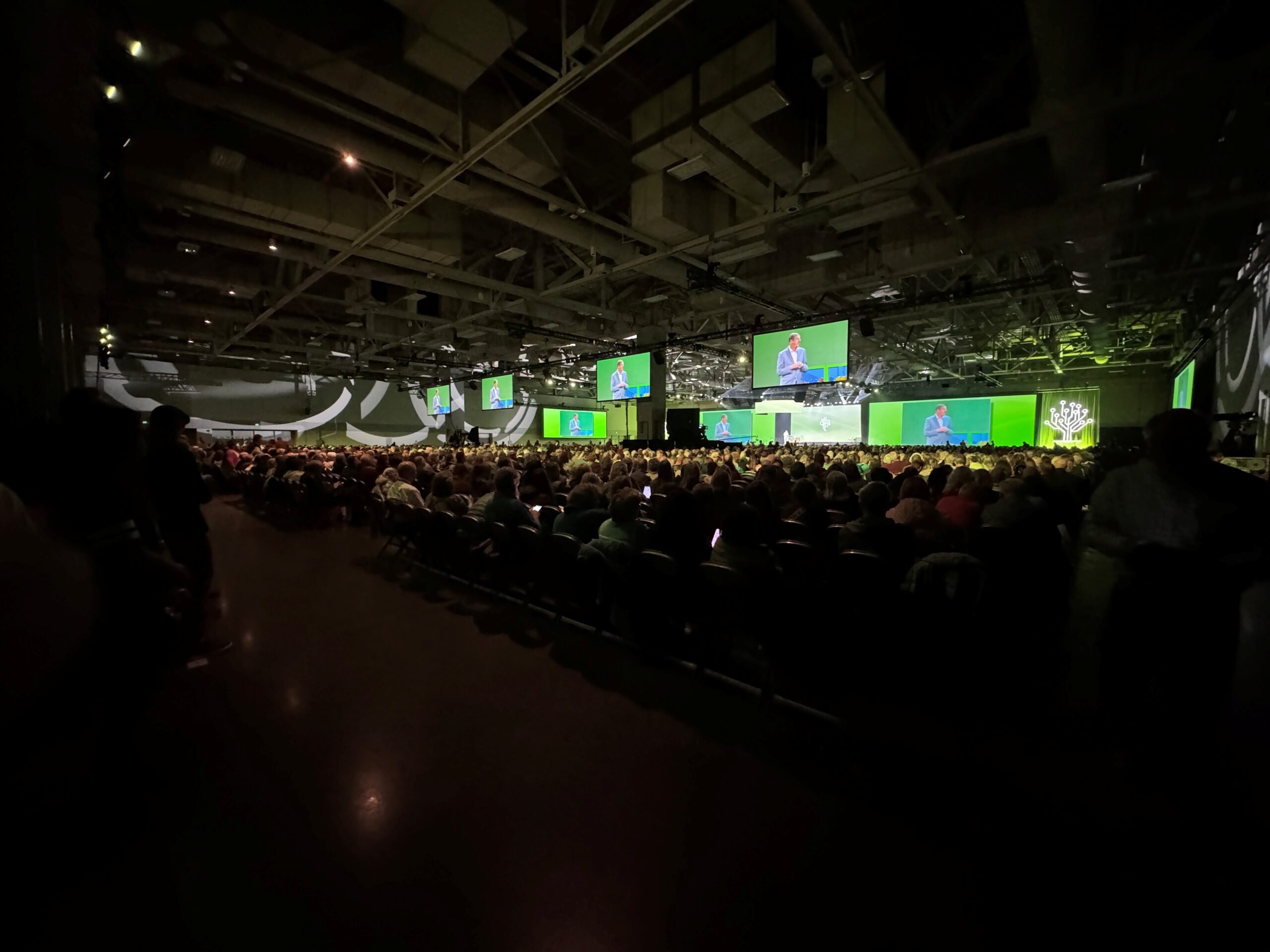
Just a week ago, we were all flocking back home from an EPIC RootsTech 2026 at the Salt Palace Convention Center in Salt Lake City – navigating jetlag AND the time change. The one thing to remember about any given year of RootsTech is that it’s never really over. While I focused my attendance on the in-person only classes, and main stage sessions, I still have weeks and months worth of sessions to watch at my leisure over the next year – and so do you!
**Important** While we are still in March – whether you attended in-person or virtually, make sure you take some time to thoroughly go through the RootsTech site to visit the exhibitor websites, download syllabus material (where available), and visit some of the social media experiences shared out there via several platforms with the hashtag #RootsTech2026. Some of these features will expire in the RootsTech site – so do not hesitate while things are still live. Yes, the recorded sessions will live on the main site for the next few years, but some features will naturally go away by April.
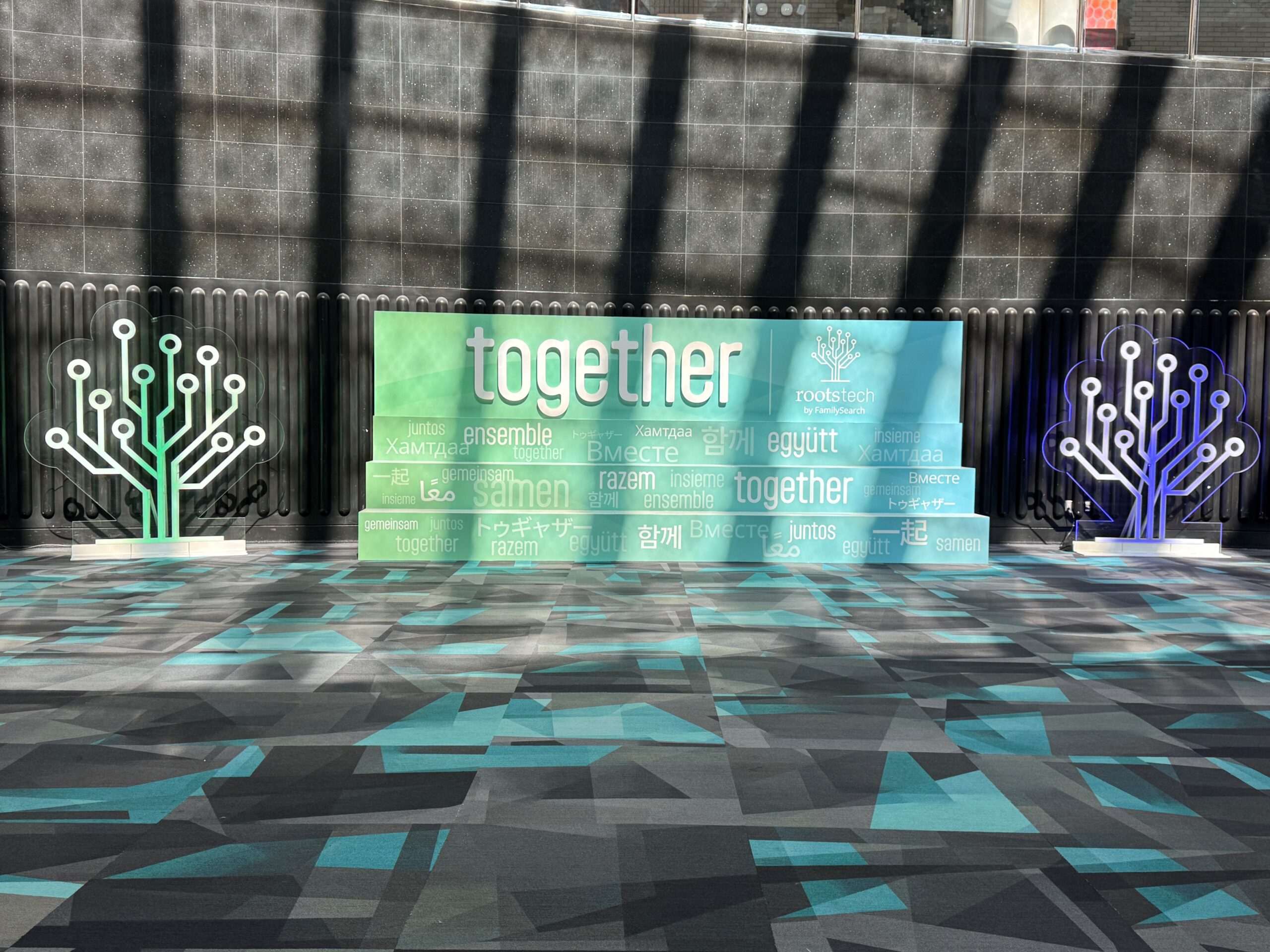
Now – Let’s get down to the main event. Some of the highlights below will be covered more in length via a podcast episode or larger review where noted. This year’s theme was “Together” which was apparent through the many stories featured during the conference.
AI (Artificial Intelligence) was driving the RT2026 bus!
Just like previous years, when DNA was the topic-du-jour, AI has risen to take that title. I have been learning a lot about AI, but I’m personally still trying to wrap my head around the concepts and tools available to researchers – and the multi-faceted implications of AI applications – some seen, and many in the background.
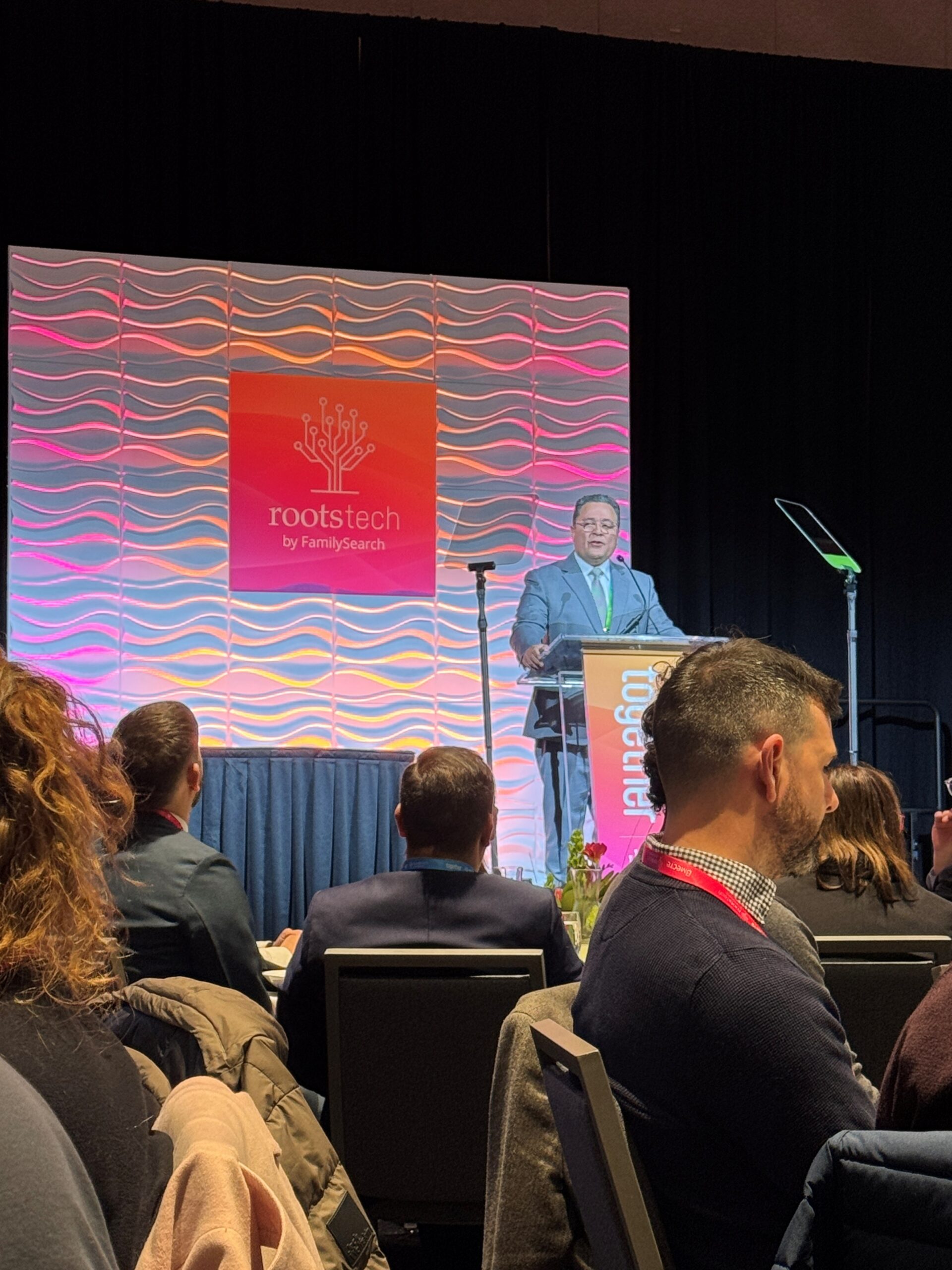 One huge reminder about AI is that the major companies (FamilySearch, Ancestry, etc.) have been utilizing AI in the background for over a decade. If you have ever accepted a shaky little leaf hint for your family tree, you’ve used AI – even if you didn’t know it. When the 1950 census was released, AI tools were hard at work in the background to transcribe the handwriting – eliminating the need for volunteer indexers. And RootsTech 2024 introduced FamilySearch’s full-text search option in their lab area – but now it’s fully integrated into the research experience (long before RT2026). Finally, let us not forget the amazing AI toys that MyHeritage gave us several years ago to bring our family photos to life. In other words – AI has been a part of our lives for a long time – but we’re just now waking up to this common technological thread – and how we can use it in our own research process, through tools outside of the genealogy industry vendors. 2026 is definitely AI’s time to shine!
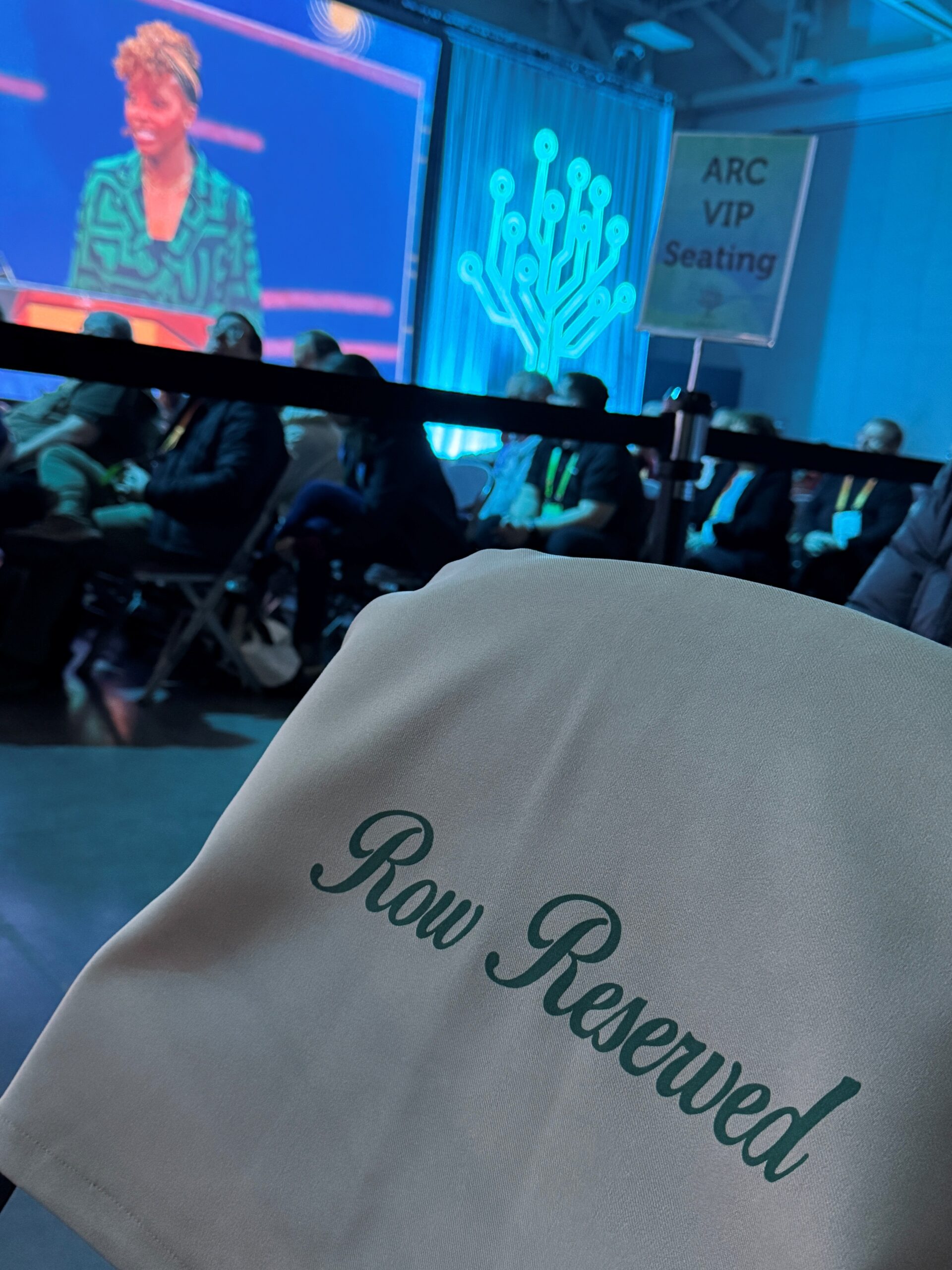 On a side note – my RT2026 experience began this year when I was invited to attend the ARC (Archives & Records Custodians) Symposium in person on Wednesday. There were a lot of sessions that addressed the use of AI in the archival process – in conjunction with the research process, but I came away with more questions than answers at this point – simply because I’m not using AI in my own archival processing during my day job. Also, while I was blown away by the work and networks being developed on a global scale, historical concepts and context are still fluid descriptors when talking about AI in this field – and I have some thoughts about this that will be featured in a future post and podcast episode – stay tuned! Sneak peek phrase from one of the sessions: Think of the past as a beta space! BTW – I encourage all archivists in the field to go watch the sessions – they are free, online!
As part of this invitation, I was also granted VIP status for the main stage – and given a special behind the scenes tour of the Church History Library which I will cover in a separate post. With the new colleagues I met, and the projects featured, this was a wonderful experience and I would love to take part again!
Big Vendor Announcements:
Every year, software upgrades and new features are launched during RootsTech week. If your favorite software has a new look or special announcements – pay attention. Here are just a few I caught wind of while attending the conference – there are SO many more:
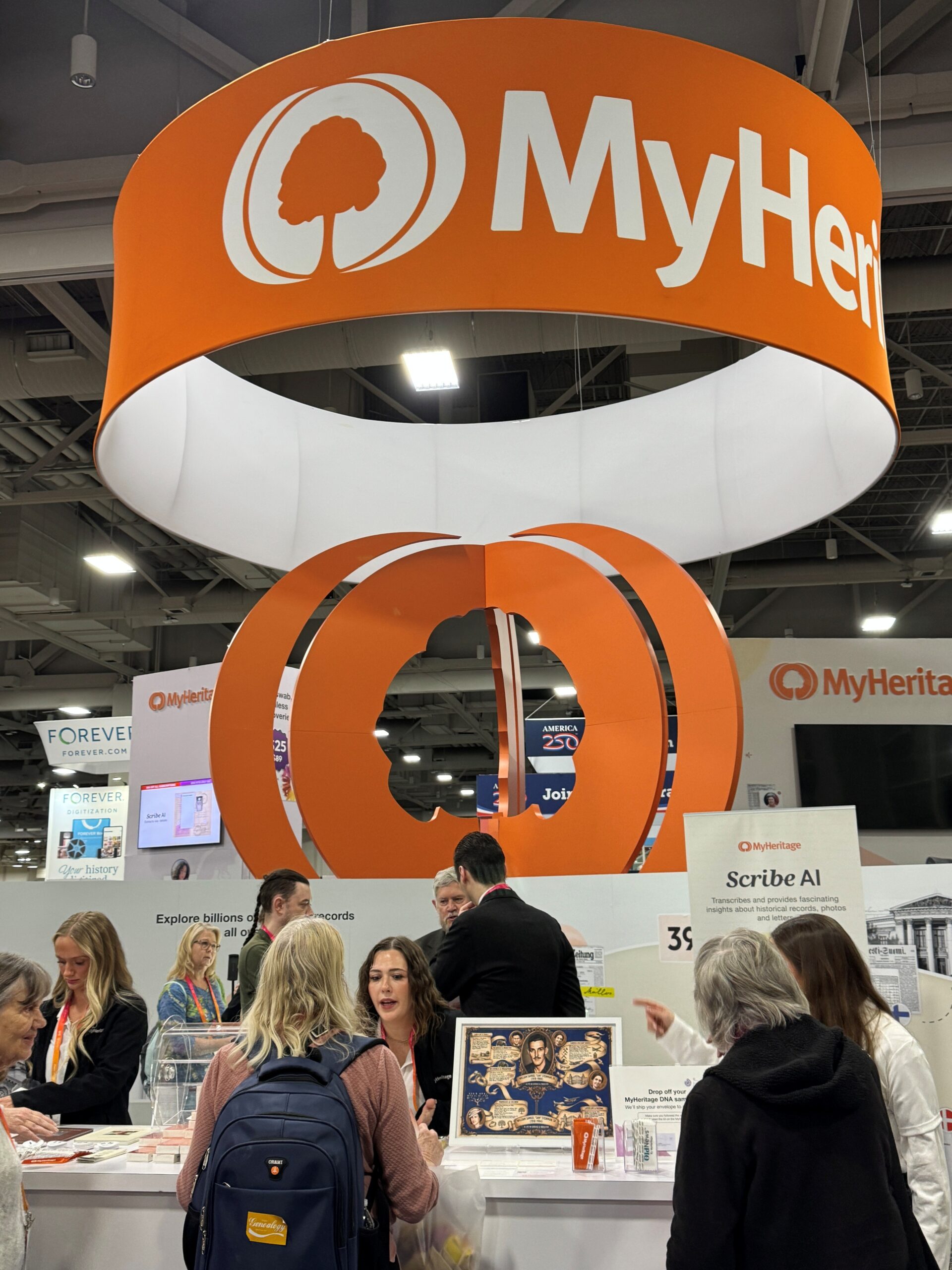 MyHeritage: This company introduced two new tools – Scribe AI and Country Coding for their pedigrees. Scribe will help you with handwriting and context analysis for documents and photographs. Also – they have a new AI assistant coming soon (GAIA) – and a family infographic feature that will really shake up the family history sharing world – so check back with them throughout 2026!
For FamilySearch – they already have their hands full putting on the biggest genealogy show in the world – but as a platform, they will be expanding their AI generated full-text search throughout the global records they are digitizing at a rapid rate. And always be checking out their lab section of the website to catch new tools as they come available. Playing with these new features before they go fully live helps them gain valuable feedback as they work on development.
Storied also presented us with some new features that help you build one of their family history books and online trees – such as enhanced transcription features, API integration with FamilySearch, and new story telling features from newspaper information extraction.
GedMatch also had an entire presentation on their new features which will include a much more user friendly interface – with new toys going live for their Tier one customers! This interface overhaul has not went live just yet – but in-person attendees got a sneak peek.
LifeWeaver is not only a brand new company, but also a new platinum sponsor of RootsTech. This company aims to take all emails and texts from your phone and turn them into shareable snippet stories and histories to make sure we capture the important moments we are sharing via the technology in our hands. I hope to cover this company at a later date since I have some additional questions regarding privacy and shareability of the digital stories – but for now – they have several videos that introduce their range of features.
 Main Stage Fireworks – Literally!
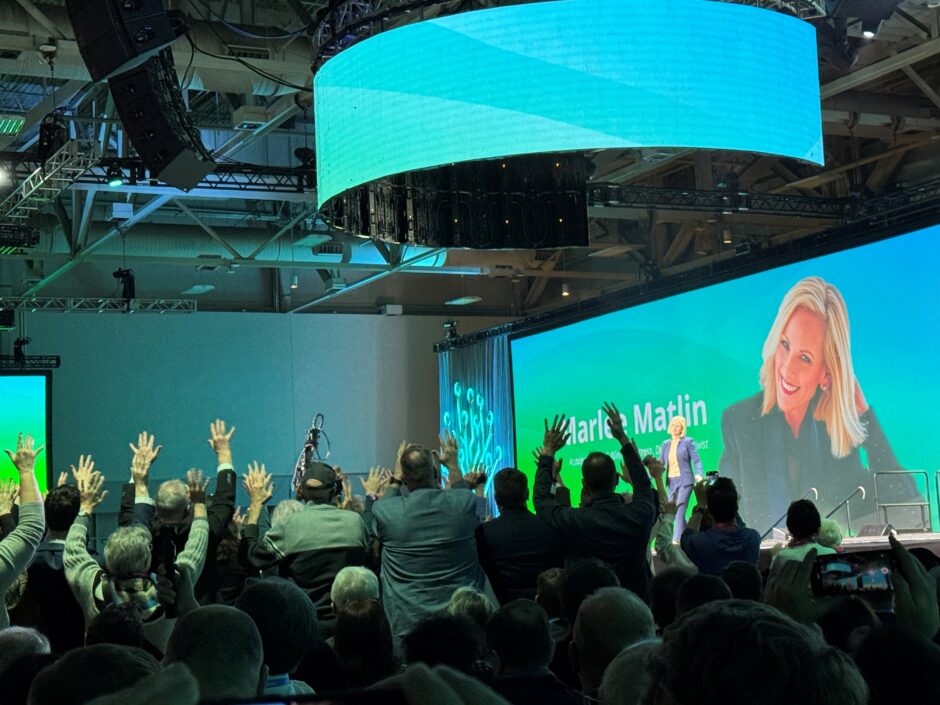
The main stage keynotes were scene stealers, as always! From academy award winning actress, Marlee Matlin, football great Steve Young, Irish dancers – the Gardener Brothers, and author/adventurer Tara Roberts! You can watch all of these great speakers on the RootsTech website, plus a few other international bonus speakers. Coming soon – I’ll be reviewing Tara’s book and featuring some of her post session interview in a future post and podcast episode.
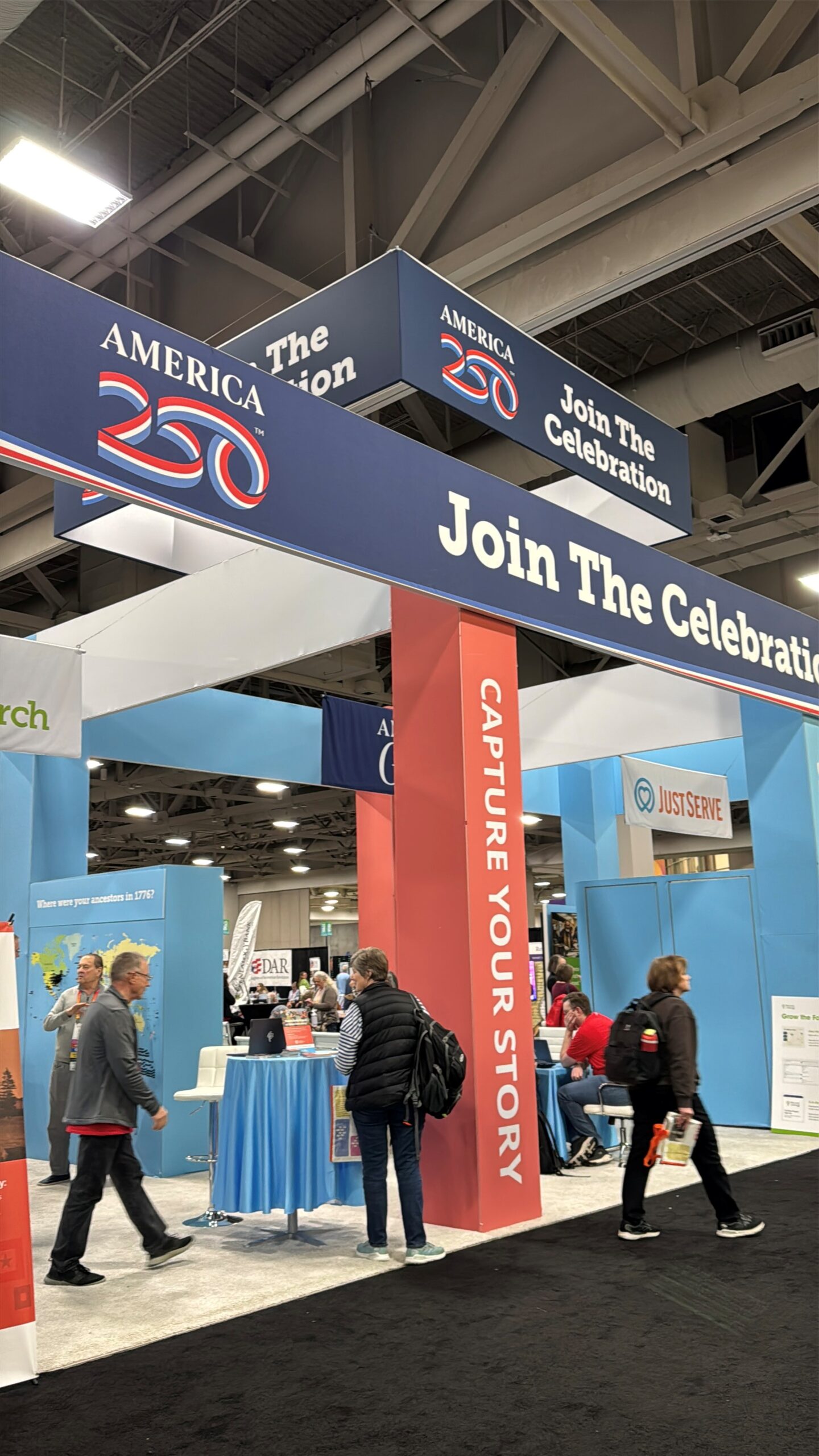 America 250 was also well represented with a huge booth that featured ways to volunteer – and mapping where your revolutionary ancestor was during the American Revolution. Ancestry also announced their enhanced search feature for their Revolutionary War pensions in Fold3 – AI driven full text search that can find multiple family members! Of course, I (along with a couple of my instructors) was also passing out bookmarks to promote our virtual NGS GRIP 2026 Course coming this summer – Navigating Independence which will teach attendees about the life experiences of the Revolutionary War generation – shhhh – I’ve heard seats are already half gone – so you better hurry if you want to take our course!
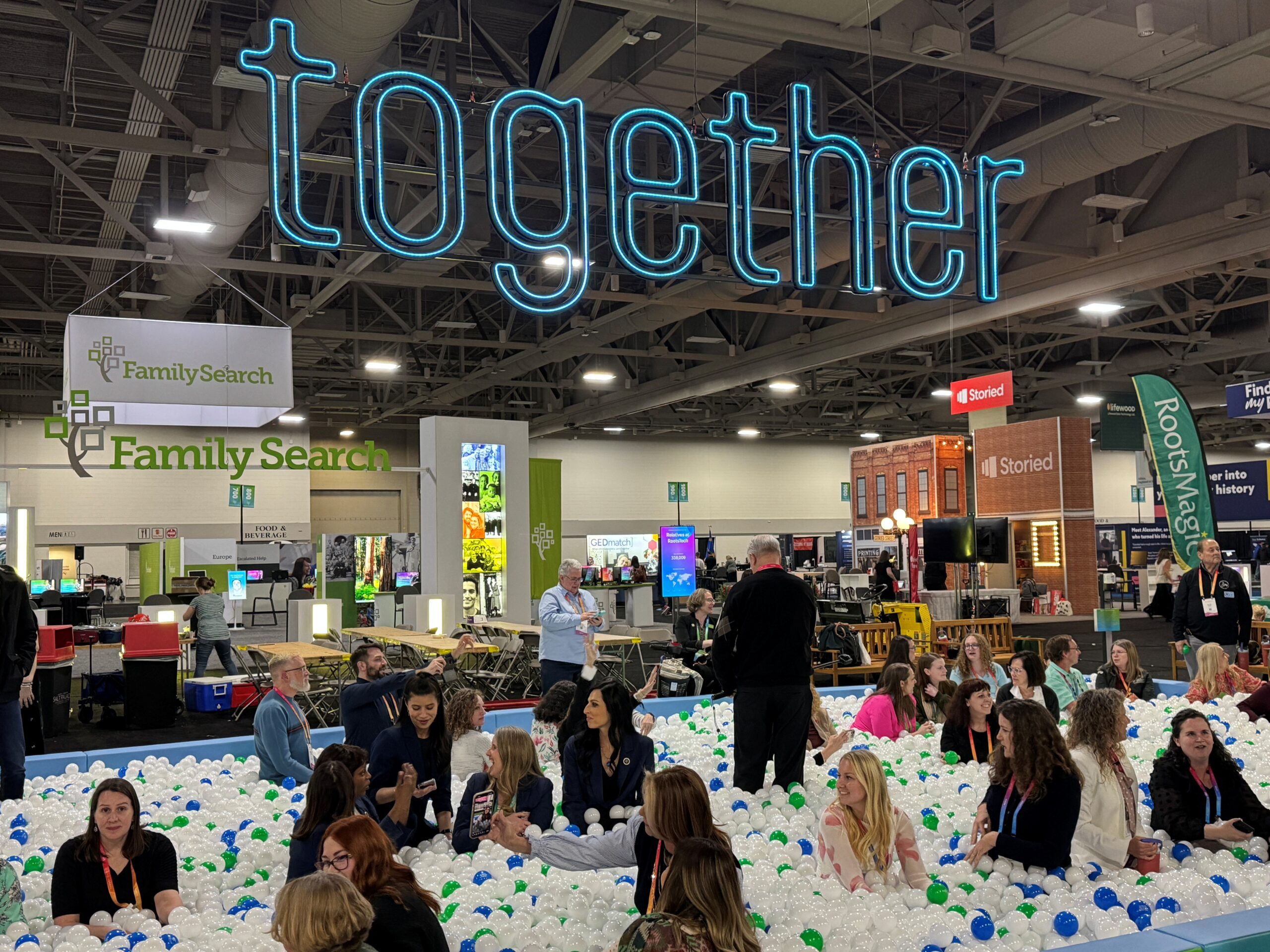
The most visually impressive feature was the ball pit in the middle of the exhibit hall. Side note – the exhibit hall was larger this year by over 30 booths! Obviously, this conference just keeps getting bigger every year. Back to the ball pit – people of all ages enjoyed this ginormous ball pit with over 50,000 plastic balls inside. Each blue and green ball had a specific question that you could answer if one was thrown to you!
Relatives at RootsTech – is still going on if you have built a tree in FamilySearch! At last count, I had almost 40,000 cousins attending RootsTech and opting into the feature!
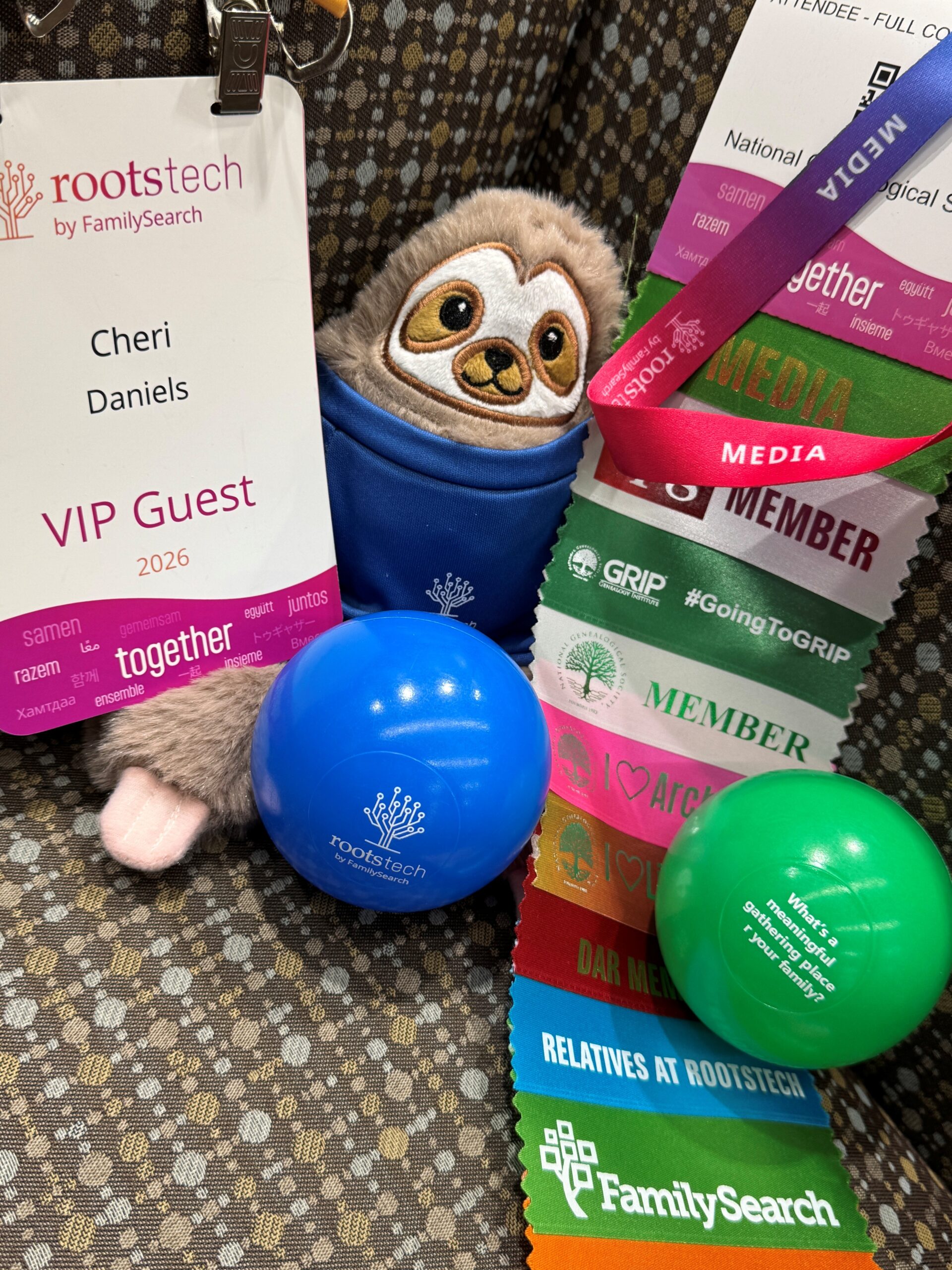 Disclaimer: I was an official member of the RootsTech Media team which means I was able to interview several people, including most of the mainstage keynotes – which will be featured on my site over the next several months. This also means I was a guest at media events from several vendors which allowed me to feature their new product enhancements in this post: MyHeritage, Storied, FamilySeach, etc.
For more photos from the week – check out the latest photo dump on my Instagram account. And for those wanting to join the party next year – it is already set for March 4th-6th, 2027! #savethedate


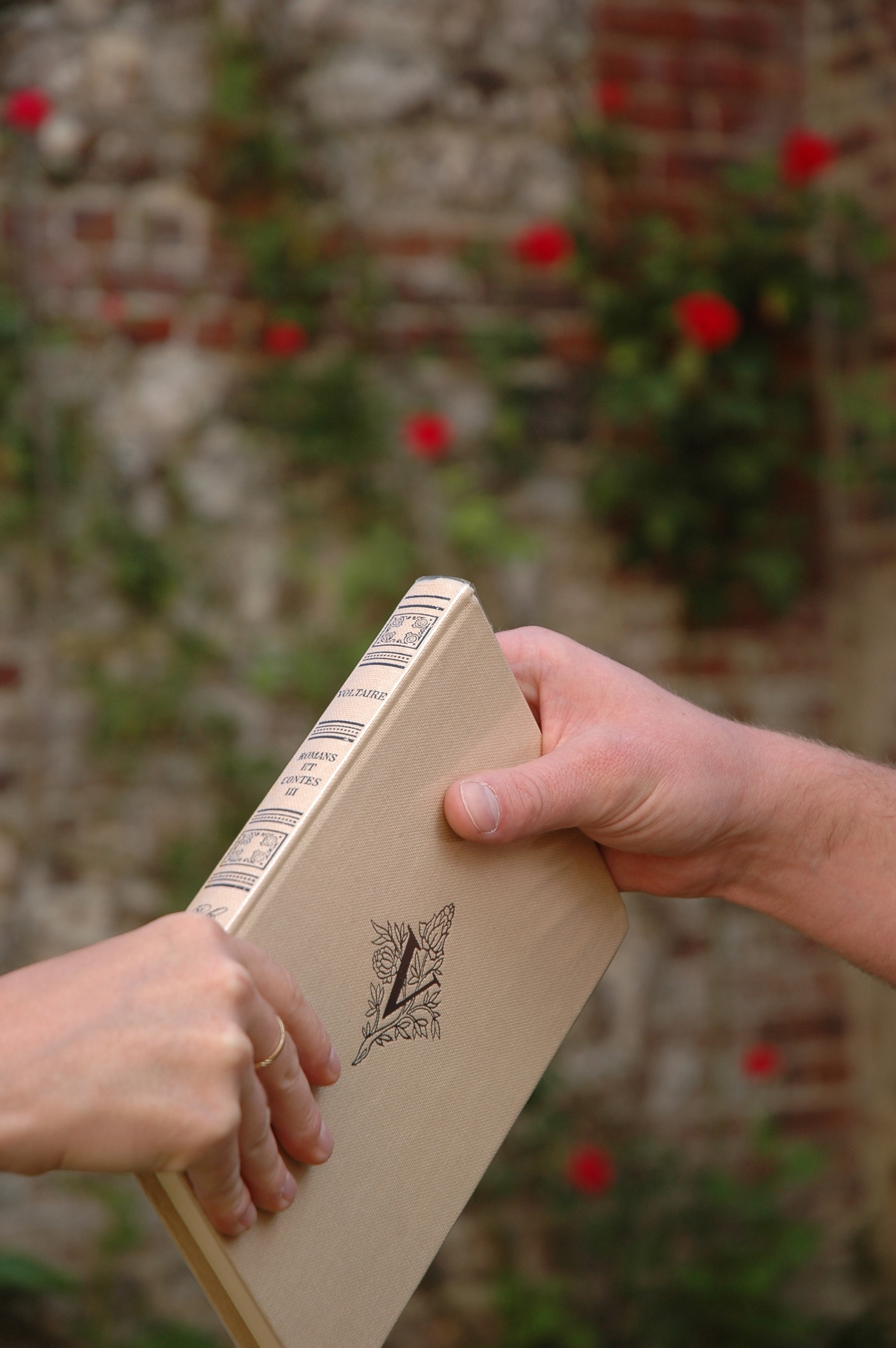 It’s quite a mouthful: Interlibrary Loan. But it would be wise to remember this phrase as it could be your new best friend!
 Tip #1: Remember these terms: Borrower and Lender. They are exactly as they sound, but the Borrower is not you – you are the patron or customer and the library borrowing on your behalf is the Borrower. The lending library is the Lender. Contrary to perceptions, the ILL transaction is a contract between the two libraries – NOT between the patron and the lending library. This way, both parties agree to certain standards during the transaction, even if things get damaged or lost in the mail, there is already a protocol in place to resolve the situation.
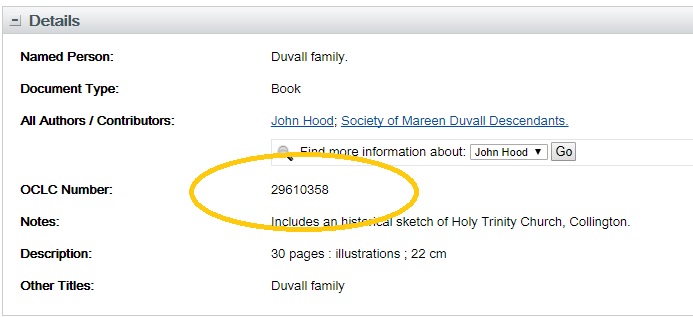
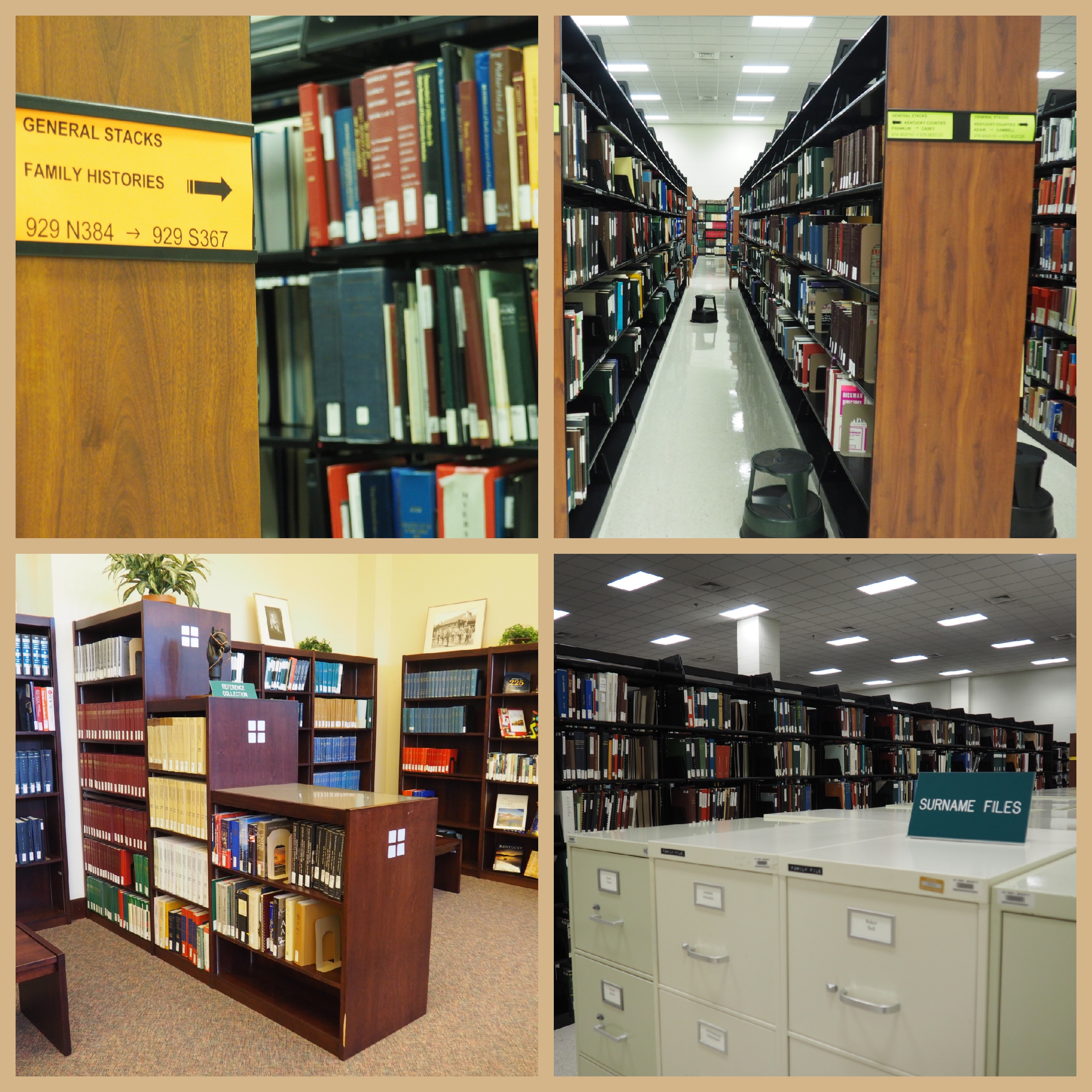 Let’s Talk Genealogy Materials
 Tip #5: If you borrow a book through ILL, READ IT – and do not dawdle! ILL books will usually arrive with a generous loan period of around a month, but many do not allow renewals. So, get cracking on that title once it comes in!